The process
From your photo to a shirt you can see
Keep a clear photo close. You can try it in a print before you make a payment decision.
Upload your photo
The five steps
The five steps
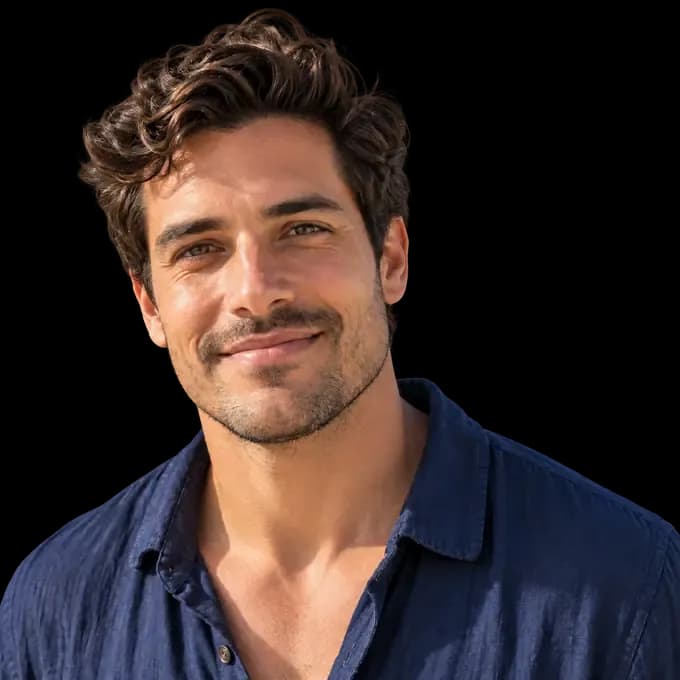
Choose a face that is large enough to recognize when the image is small. A pet photo or a company logo can be the starting image too. JPG, PNG, and WebP files work in this preview.
Background removal is automatic and free. A simple edge around a face or logo gives the pattern room to do its work. You can go back to another image if the first one does not give you the expression you wanted.
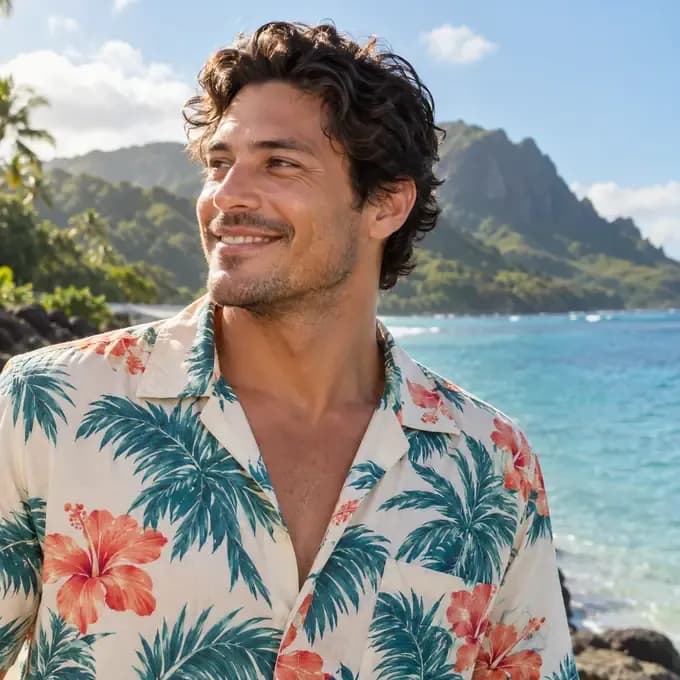
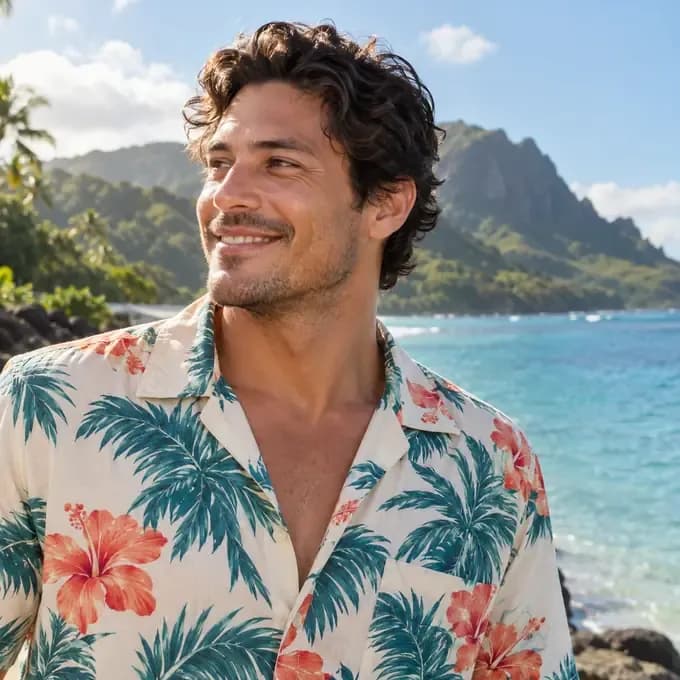
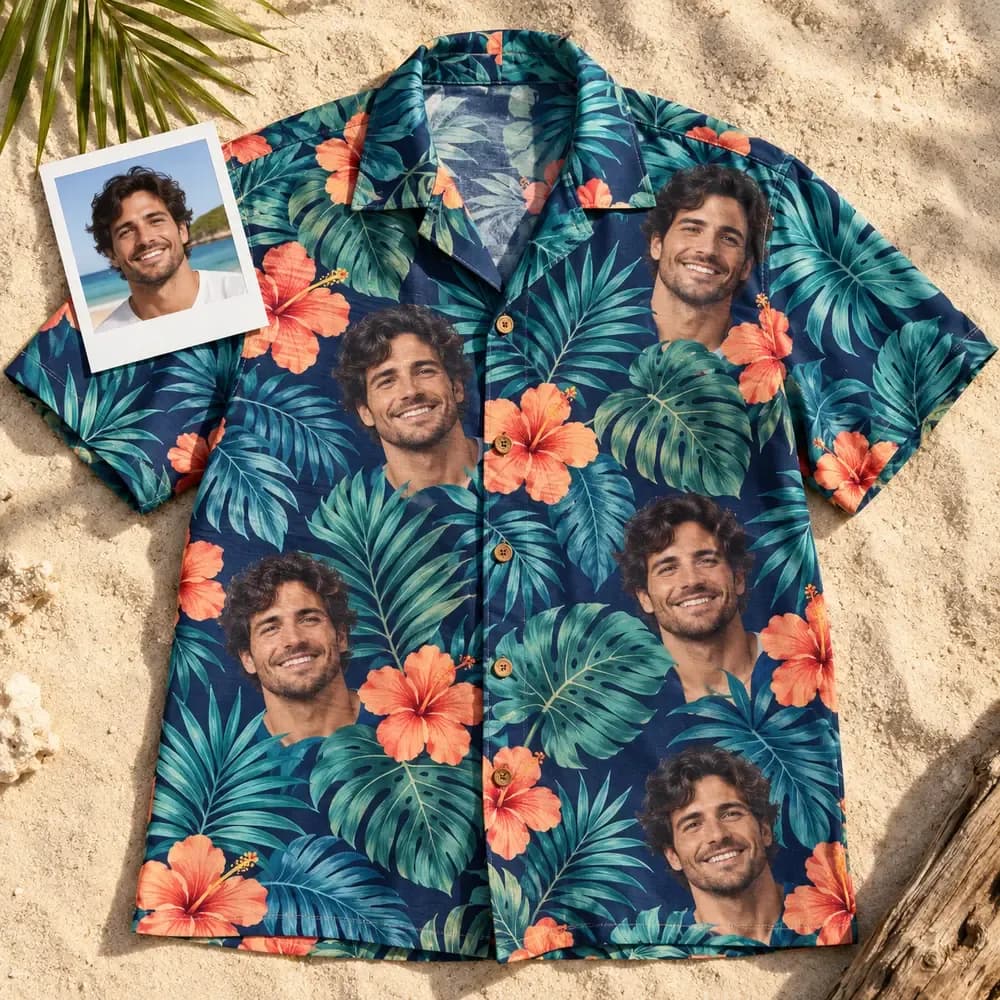
Look through the shirt designs and place the cutout into the one you like. Check how the image sits beside the leaves and other parts of the pattern. The preview appears before payment, so take a moment to look at it at both normal size and up close.
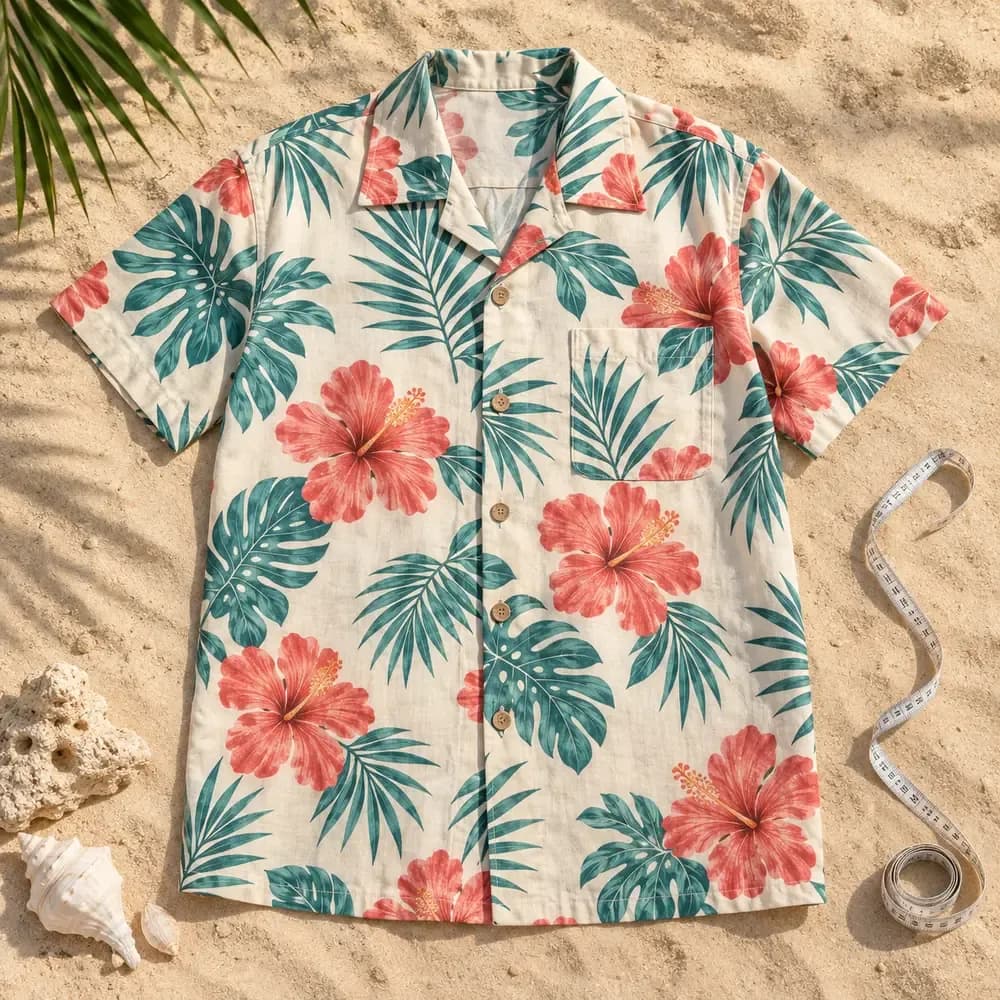
Compare the men's S to 6XL measurements with a shirt you own. Then choose between a camp collar and a point collar. The chest pocket is optional, with the print matched across it. The size guide explains how to measure a shirt laid flat.
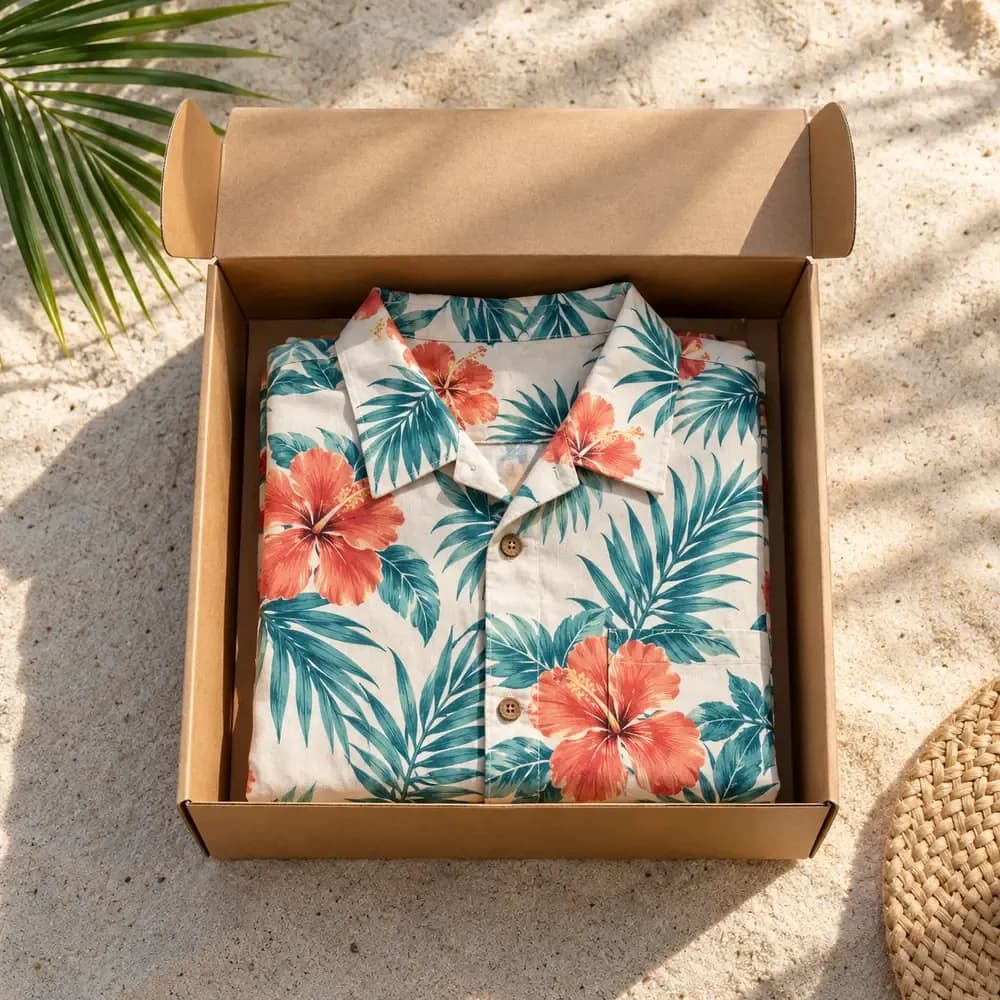
Size guideOnce the preview and the shirt details look right, move through checkout. For delivery terms and destinations, read the shipping policy before ordering, especially if the shirt is meant for a particular event. There is no minimum order, whether you are trying one shirt or planning for a group.
Shipping policy