A better start
A good photo makes the print easier to judge
You do not need a studio portrait. Give the face enough light and enough space in the frame to see its expression.
Upload your photo

Light first
Try an open window or even outdoor shade. Strong light from behind can leave the face dark, while deep shadow can hide the eyes. The preview can help you decide whether a second photo reads better on the shirt.


Face the camera
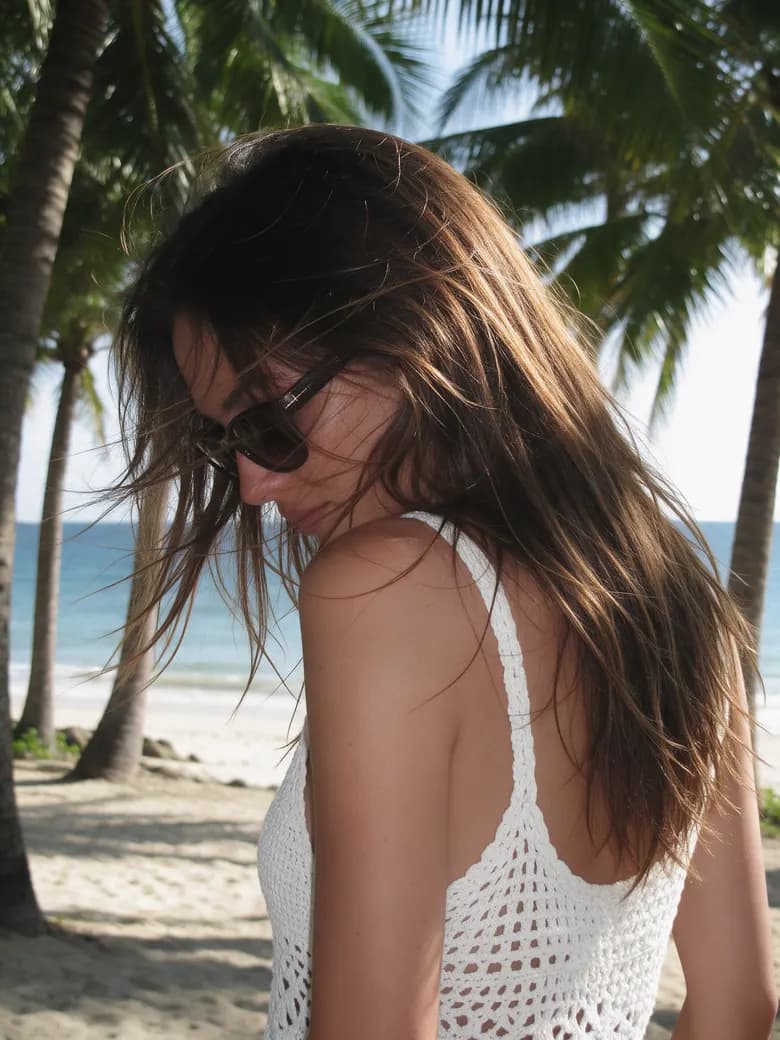
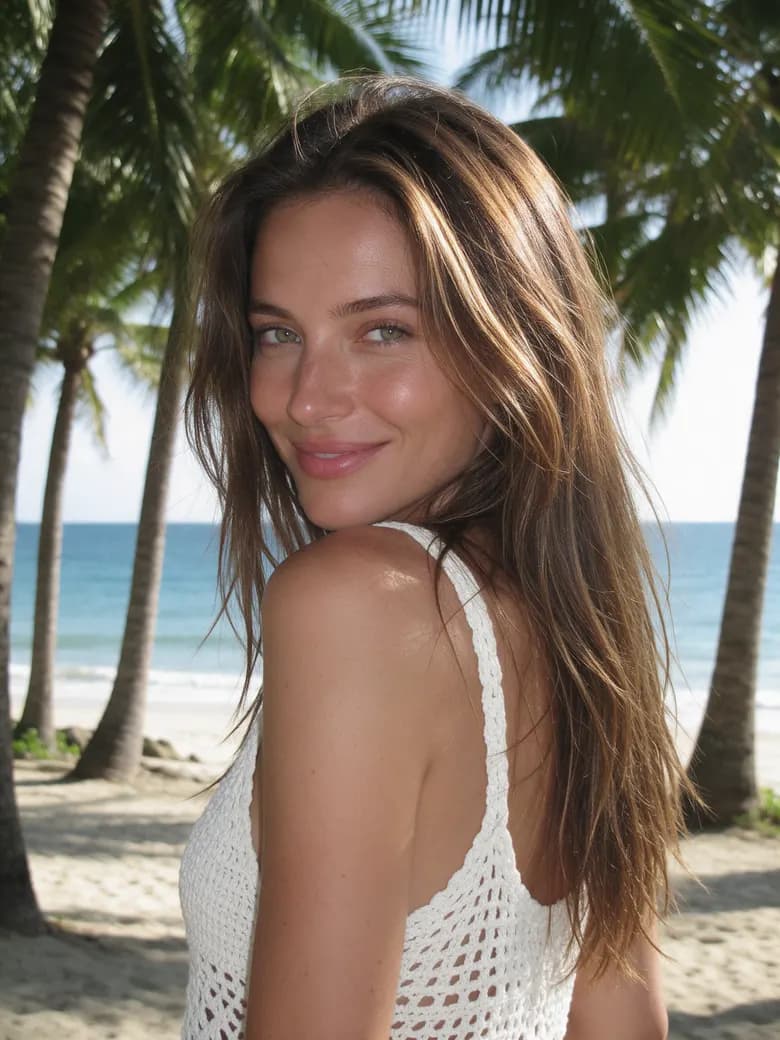
A turn of the head is fine when both eyes and the outline of the face are visible. Sunglasses or a face partly covered by hair give the cutout less to work with. Look at the image at phone size: if you cannot read the expression there, crop closer or choose another frame.
Keep the details
sharp
Check the eyes and mouth at full size before you upload. A blurry picture stays blurry when its background disappears. A clear phone photo is more useful than a distant photo with a dramatic setting.


Groups, pets, and logos
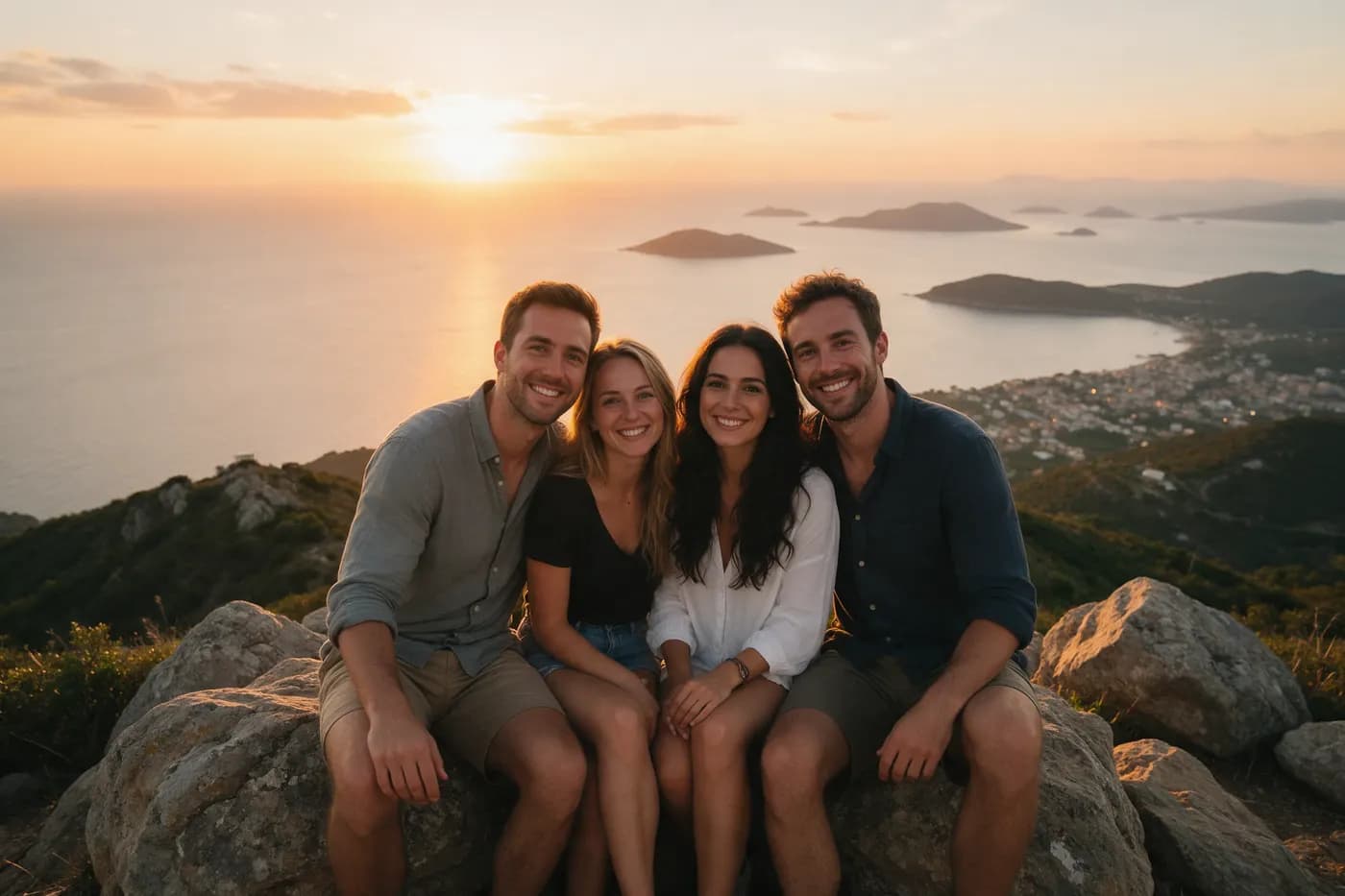
For a group picture, crop toward the face you want to use. If the print layout is meant for several people, check each face separately and then inspect the whole preview. With a pet, wait for the animal to look toward the camera and keep its face clear of shadow. For a company logo, use a file with a transparent background when you have one; it avoids a solid rectangle inside the pattern.


Check the
image
you want to use
Tick each point when you are ready. The upload button appears after the checklist.


Keep exploring
A little more before you go.