Blog
How to Put a Picture on a Shirt: DIY and Printed Methods Compared
How to put a picture on a shirt: iron-on paper, plastic wrap, DTF and dye sublimation compared for washes and effort. Printed photo shirts start at $39.90.
By Personalized Hawaiian Shirts · · 11 min read
To put a picture on a shirt at home, print it in mirror image on iron-on transfer paper and press it onto prewashed fabric with a hot, dry iron on a hard surface. For a picture that has to survive many washes, have it printed professionally instead: dye sublimation on polyester puts the color inside the fibers, so there is no layer to peel.
Here’s the short version:
- Fastest DIY: inkjet transfer paper, a home printer and a household iron. Press each spot for 15 to 20 seconds, working from the middle out [1].
- Paper type: light-fabric paper is see-through, so white parts of your photo vanish. Dark shirts need opaque paper [5].
- Photo size: aim for 150 to 300 pixels per inch at the size you will print [2].
- Longest lasting: dye sublimation on polyester does not crack, fade or peel under normal use [3].
- Price: a printed photo Hawaiian shirt from us is $39.90 for one and $31.90 each for 4 to 10 shirts.
- Preview: upload a JPG, PNG or WebP up to 8 MB, the background is removed for free, and you see the shirt before you pay.
| Method | What you need | Fabric | Wash life | Best for |
|---|---|---|---|---|
| Iron-on transfer paper | Inkjet printer, transfer paper, iron | Cotton, polyester or a blend | Can fade with repeated washing | A one-off T-shirt this weekend |
| Plastic wrap trick | Plain paper print, plastic wrap, parchment, iron | Light T-shirts | Treat it as a one-day shirt | Costumes and party gags |
| Heat transfer vinyl | Cutting machine, vinyl, iron or press | Most fabrics | Depends on the press and care | Names, numbers, simple logos |
| DTF or DTG (print shop) | Commercial printer | Mostly cotton | Depends on the press and care | Photo T-shirts in small runs |
| Dye sublimation (print shop) | Commercial printer and heat press | Polyester | Dye sits inside the fibers | All-over prints, edge to edge |
What is the easiest way to put a picture on a shirt?
The easiest way to put a picture on a shirt is iron-on transfer paper: you print the photo, trim it and iron it on in under an hour. The catch is durability, because the picture sits on top of the fabric and wears with every wash. For one party, DIY is fine. For a gift someone will wear for years, a printed shirt is the safer bet.
How do you put a picture on a shirt with iron-on transfer paper?
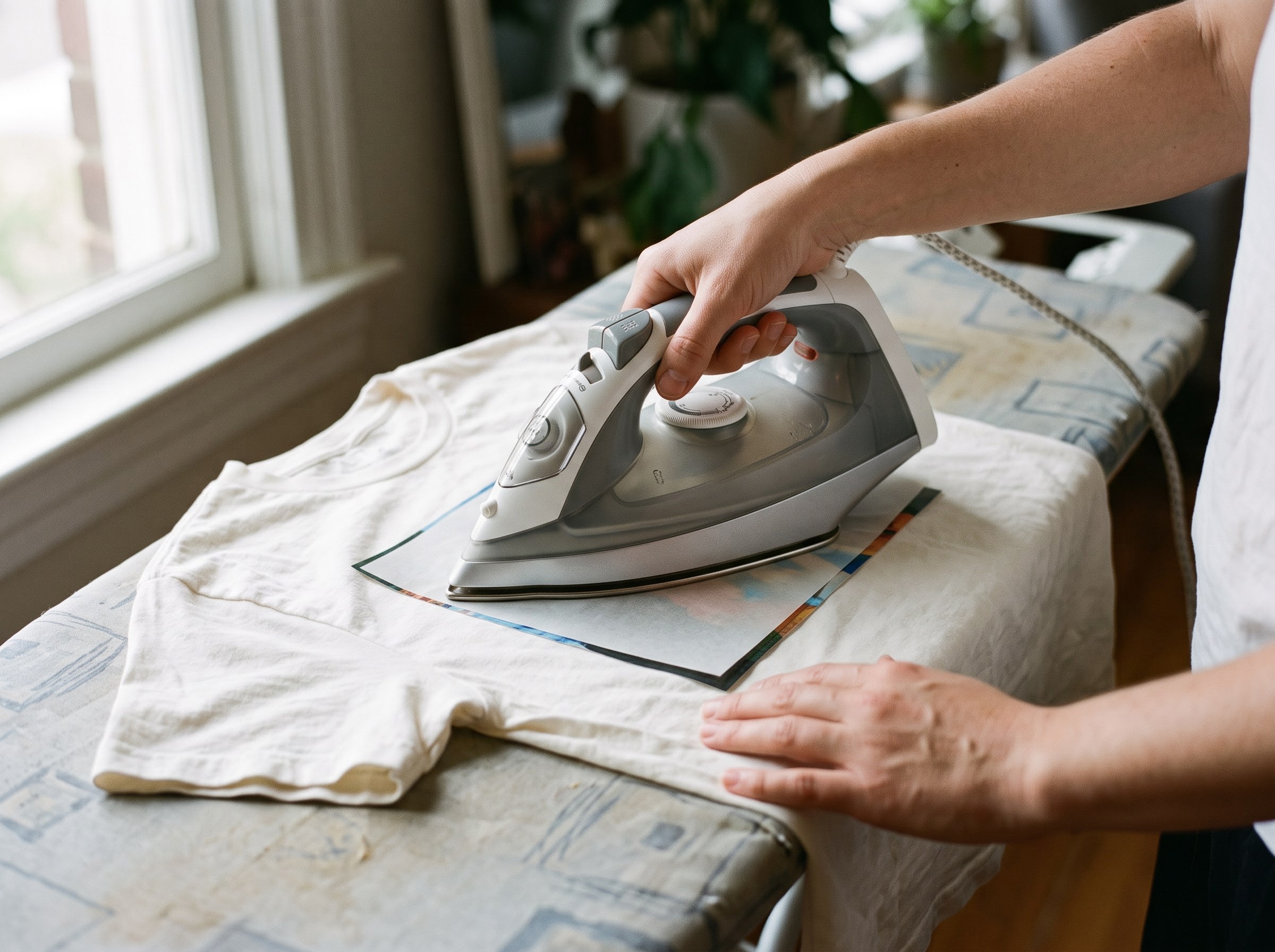
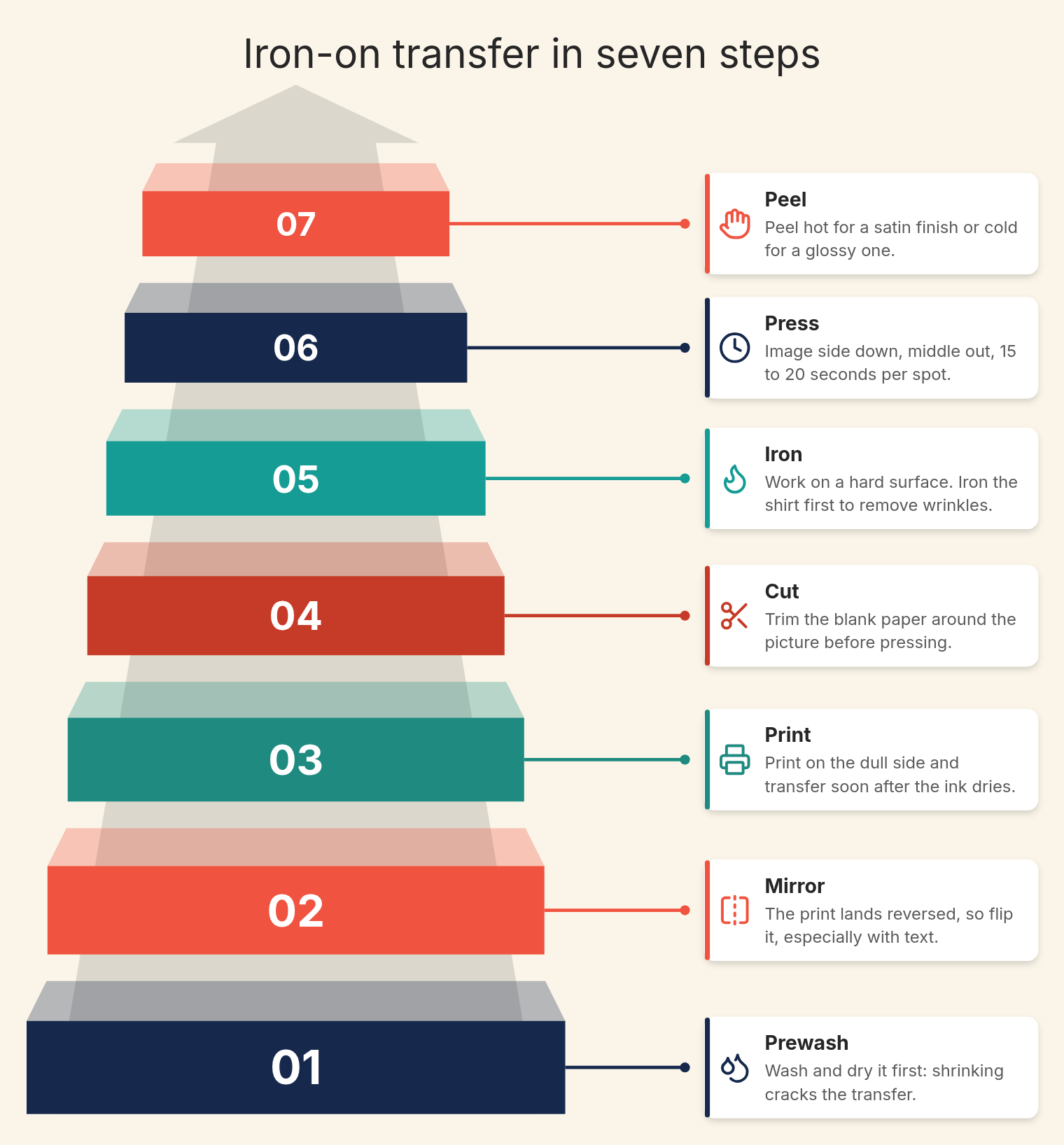
Iron-on transfer paper works in seven steps: prewash the shirt, mirror the image, print on the dull side, cut away the blank paper, preheat the iron to its cotton setting with no steam, press each area for 15 to 20 seconds, then peel [1].
- Prewash and dry the shirt, even if the label says preshrunk. Fabric that shrinks later cracks the transfer.
- Mirror the image. The print lands on the fabric reversed, which matters for any text.
- Print on the dull side. Transfer soon after the ink dries; if you wait more than an hour or so, keep the sheet in a plastic bag.
- Cut away the blank paper around the picture.
- Work on a hard surface. Iron the shirt first to remove wrinkles and moisture.
- Place the transfer image side down. Start in the middle and work outward in circles, 15 to 20 seconds per spot, then go over the whole sheet again.
- Peel hot for a satin finish or cold for a glossy one.
Match the paper to the printer. Inkjet paper needs an inkjet printer, and the same instructions warn against printers with heating elements that dry the ink [1]. Color is the second surprise. Most home printers have no white ink, so on light-fabric paper the white parts of a photo show the shirt color through them [5].
| Shirt color | Paper to buy | Mirror the image? | What happens to white areas |
|---|---|---|---|
| White or very light | Light-fabric inkjet transfer paper | Yes | They take the shirt color, which is fine on white |
| Dark or bright | Opaque transfer paper for dark fabric | Follow the pack | The paper’s white layer keeps them white |
Can you put a picture on a shirt without transfer paper?
You can put a picture on a shirt without transfer paper by printing it on plain paper, laying plastic wrap between the print and the fabric, covering it with parchment paper and ironing until the plastic melts and holds the ink. It works for a costume or a single party. Washing is the weak point.
Under the most-watched plastic wrap tutorials, one question keeps coming back: will it survive the wash? Commenters suggest turning the shirt inside out and washing it gently by hand. They also warn that any crease in the fabric is where the image lifts first.
How big does your picture need to be for a shirt?
A picture for a shirt should have 150 to 300 pixels for every inch it will cover once printed. Below 150 it looks pixelated, and going above 300 does not add quality [2]. To find the limit, divide the photo’s width in pixels by 300 for the sharpest size, or by 150 for the largest acceptable one.
| Printed width (in) | Pixels needed at 300 ppi | Pixels needed at 150 ppi | Typical use |
|---|---|---|---|
| 3 | 900 | 450 | A small face repeated in a pattern |
| 6 | 1,800 | 900 | A pet face or a chest logo |
| 8 | 2,400 | 1,200 | A centered photo on a T-shirt |
| 10 | 3,000 | 1,500 | A large back print |
Light and focus count as much as pixels. Our photo guide asks for light from a window or open shade, both eyes visible, and sharp eyes and mouth at full size. Crop a group photo toward the one face you want, and wait until a pet looks at the camera.
Logos and other people’s photos
- A logo: for printed shirts we ask for a vector file, or a transparent PNG at least 1,500 px on the long side. Text under a few millimeters can become unreadable on fabric.
- Someone else’s photo: whoever takes a photo owns its copyright from that moment, and copying it is one of the owner’s rights [4]. Ask before printing a studio portrait.
Which way of putting a photo on a shirt lasts longest?
Dye sublimation lasts longest when the shirt is polyester. The dye goes into the fibers instead of sitting on top, so the print does not crack, fade or peel under normal conditions, and it can run all the way to the edges [3]. Inkjet transfers can fade with continuous washing because the ink is water-soluble [1].
| Method | Where the image sits | Weak spot | Photo quality |
|---|---|---|---|
| Inkjet transfer paper | Film on top of the fabric | Cracks if the shirt shrinks; fading | Good on day one |
| Heat transfer vinyl | Vinyl layer on top | Edges can lift | Best for solid shapes, not photos |
| DTF | Printed film bonded with adhesive | Peeling if under-pressed | Full color |
| DTG | Ink printed into cotton | Depends on ink and care | Full color on cotton |
| Dye sublimation | Dye inside polyester fibers | Needs polyester | Continuous tone, edge to edge |
Sublimation transfer printing works on polyester and polymer-coated surfaces [3], so a 100% cotton shirt is the wrong base. Cotton photo T-shirts usually go DTG or DTF for that reason, while all-over printed shirts are polyester.
Why is a Hawaiian shirt harder to DIY than a T-shirt?
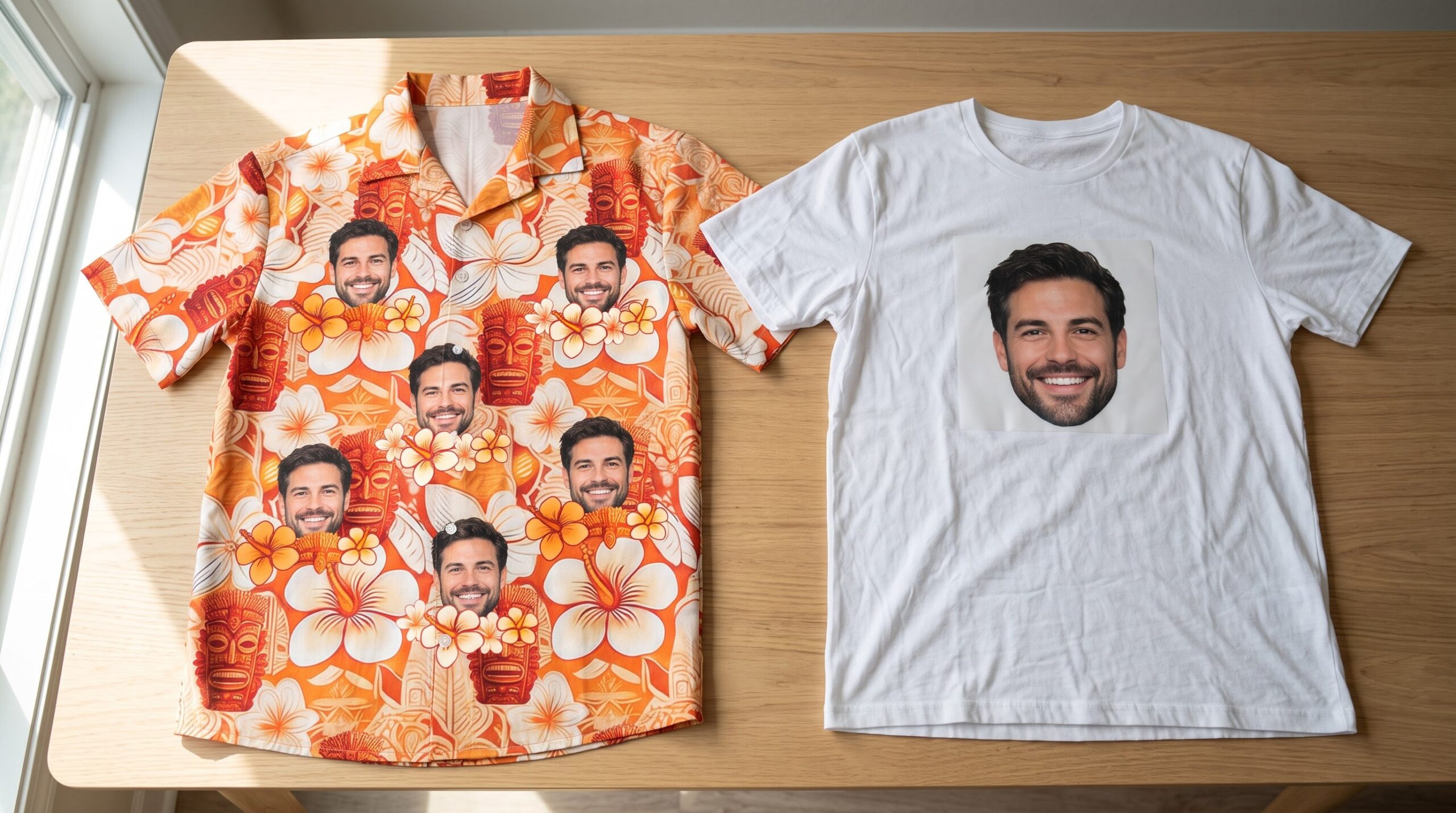
A Hawaiian shirt is harder to DIY because it has a button placket down the middle, a collar and often a pocket. A transfer sheet has to fit on one front panel or on the back, and an iron cannot press flat over buttons. You also cannot repeat a face across the whole pattern with one sheet.
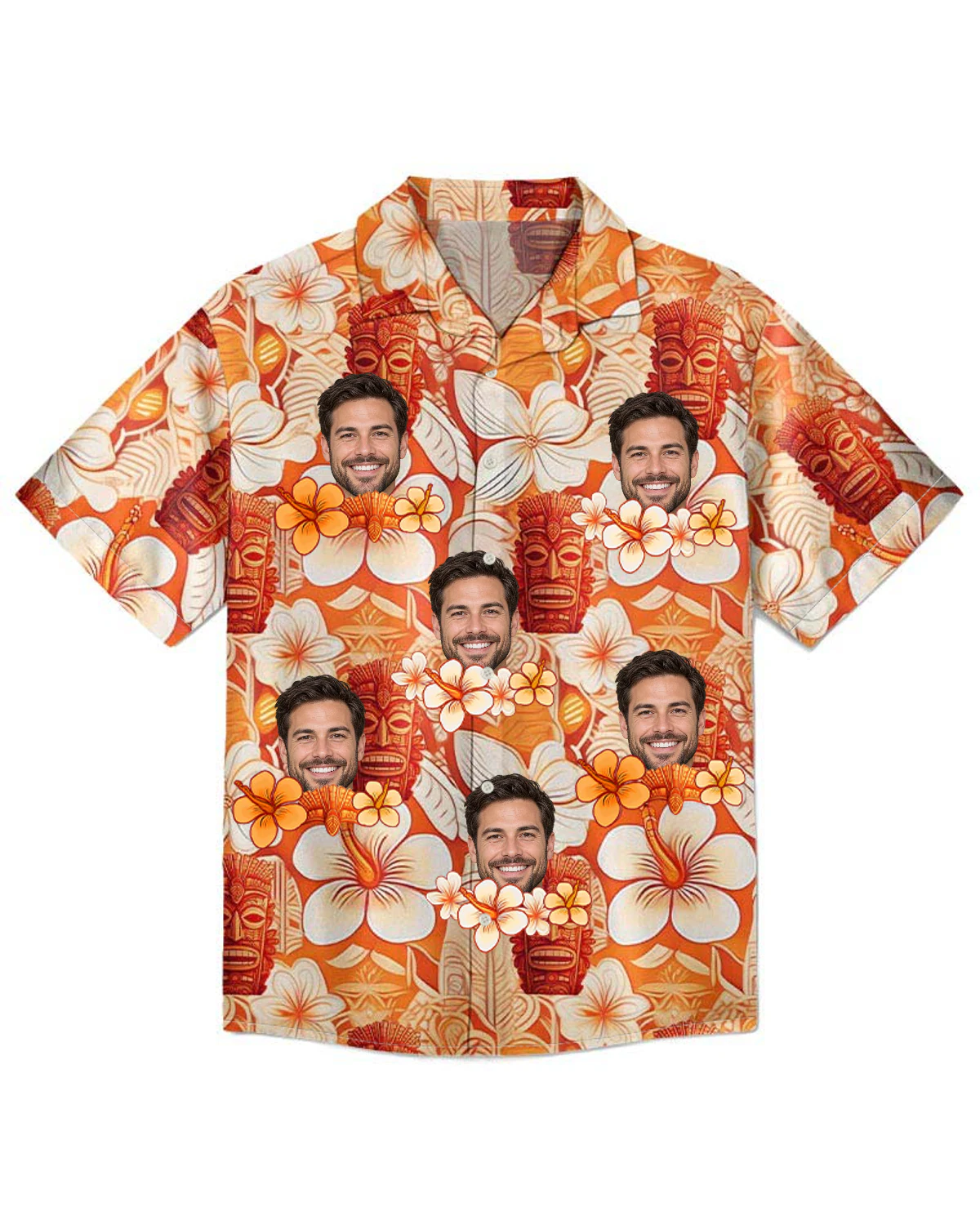
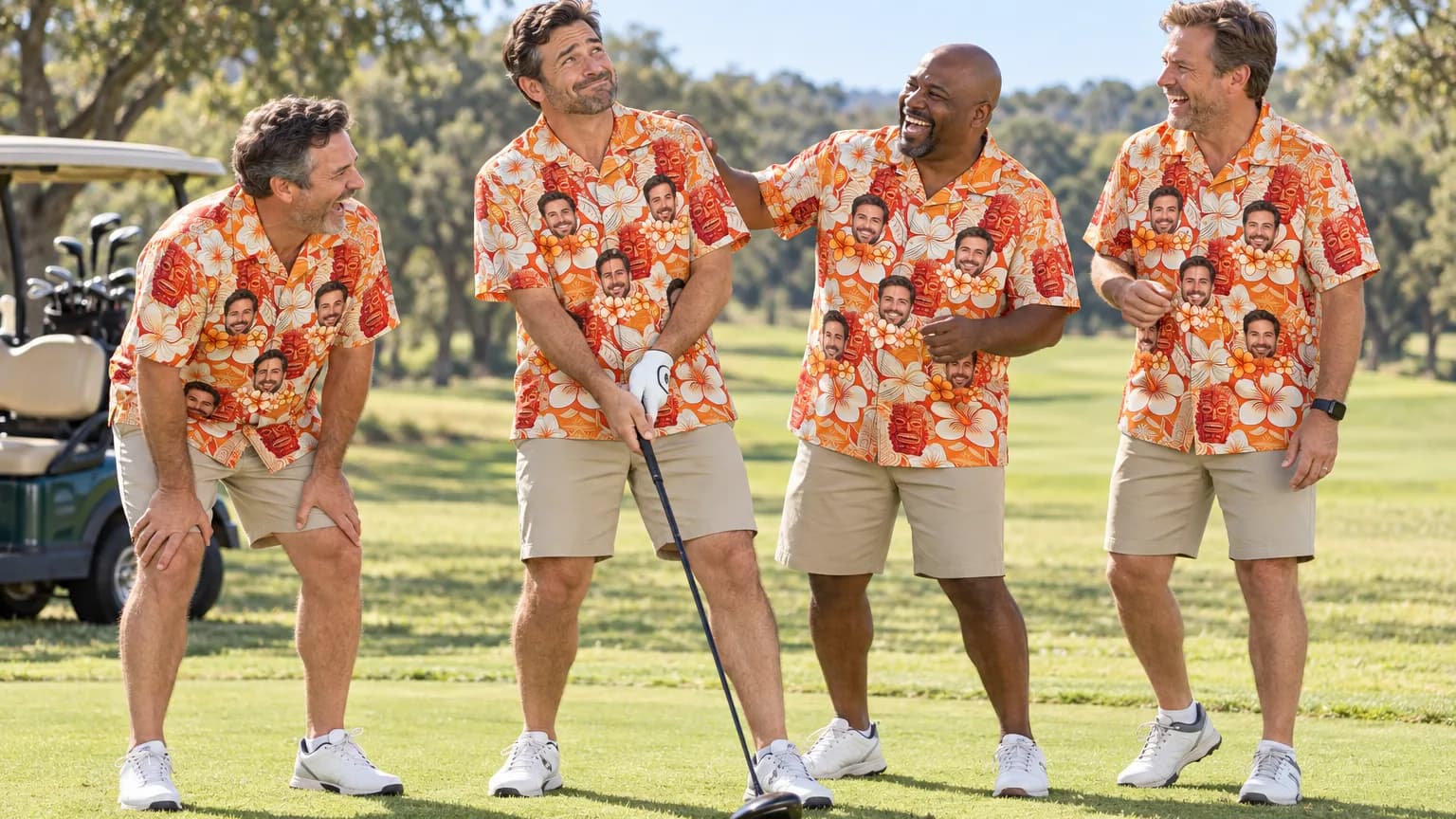
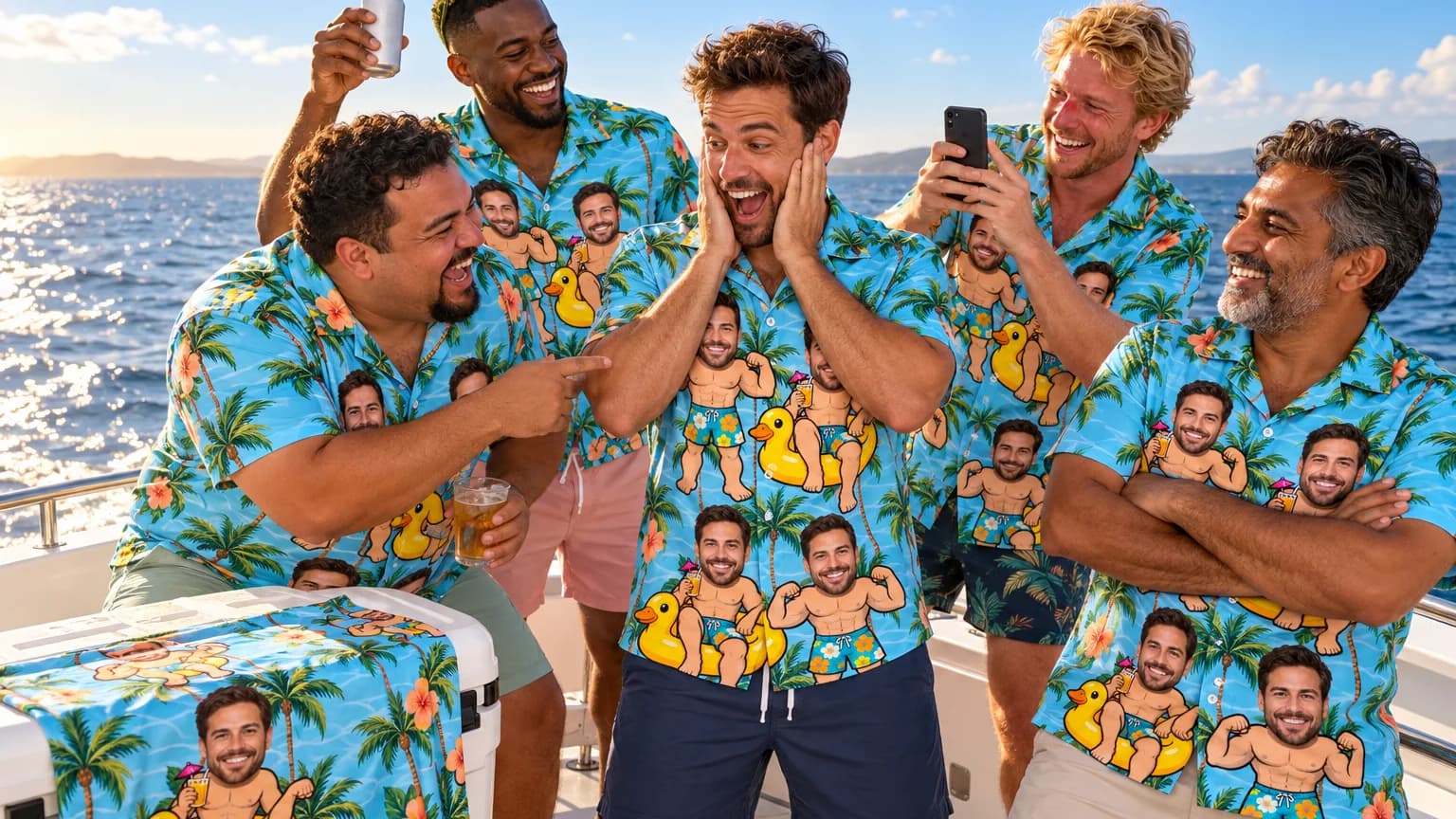
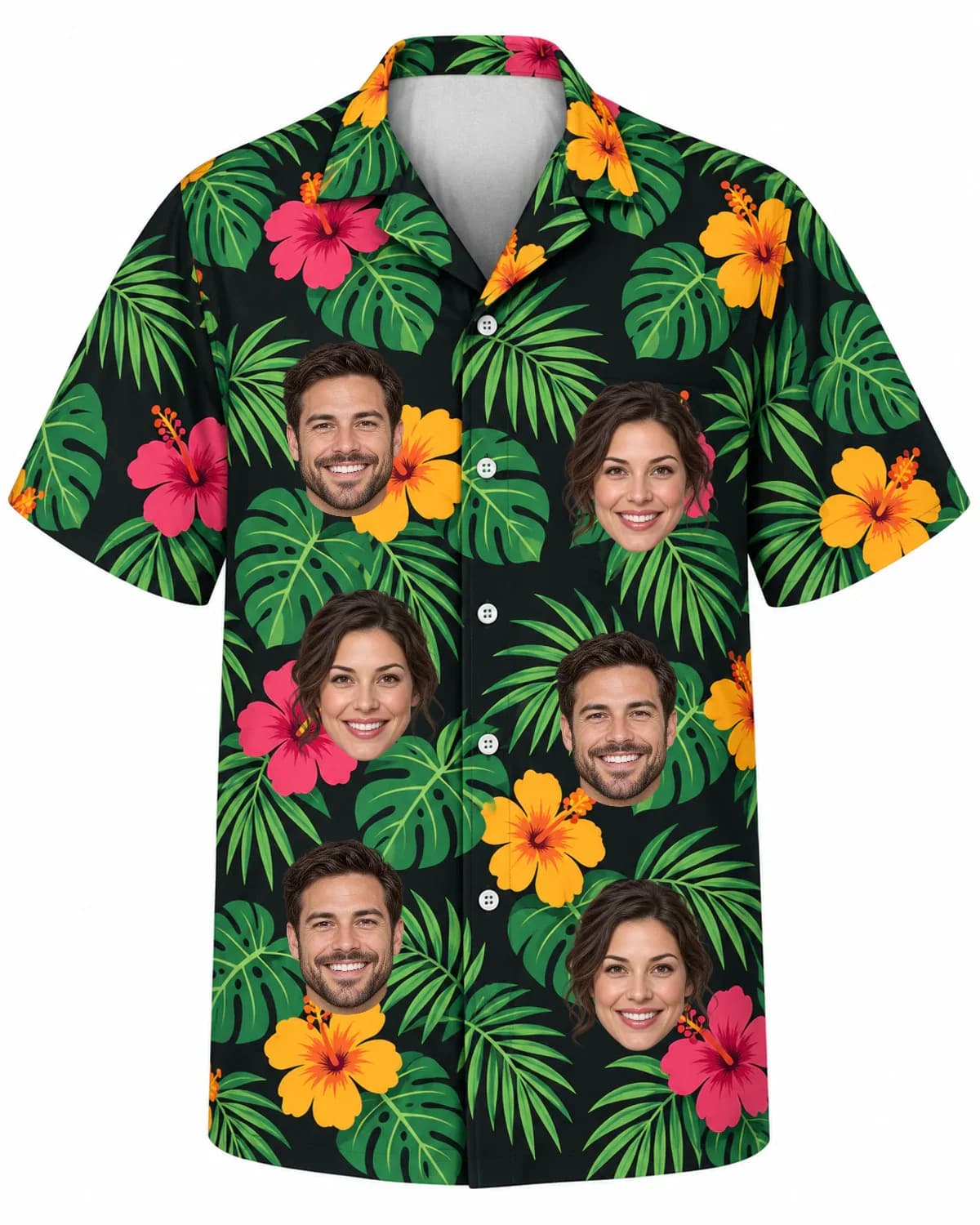
The look people want from a Hawaiian shirt with face prints is the face tucked between the flowers, repeated all over, like the Tiki Flower Summer Beach Vibe shirt above. Getting it means printing the fabric before the shirt is sewn.
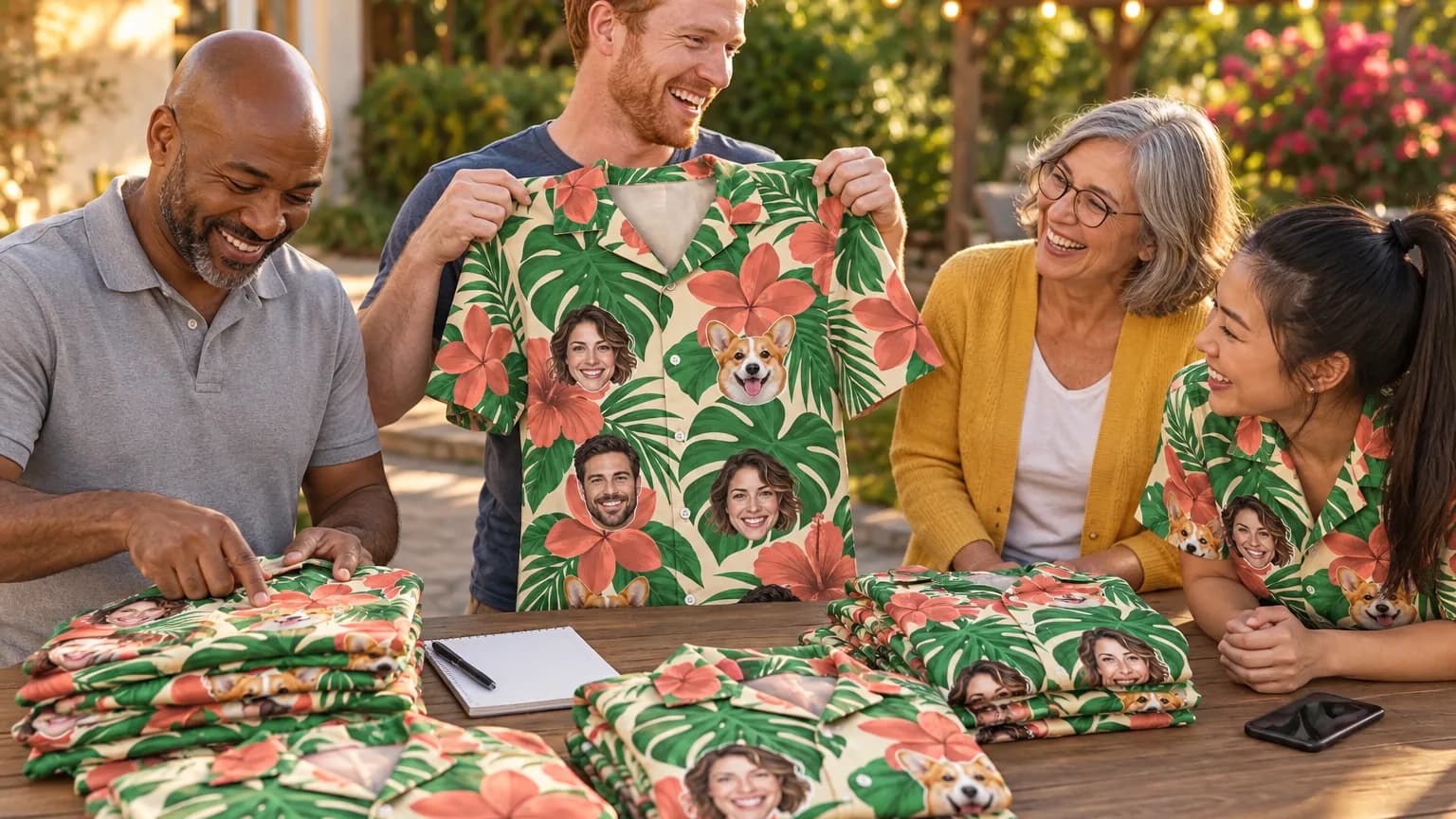
Our shirts are made that way. Each one is polyester printed edge to edge by dye sublimation, then cut and sewn, with a camp collar. The chest pocket is optional and free, and the print is matched across it. The face or logo is dyed into the fabric, so there is no transfer layer to crack or peel.
How do you put a photo on a shirt online and see it first?
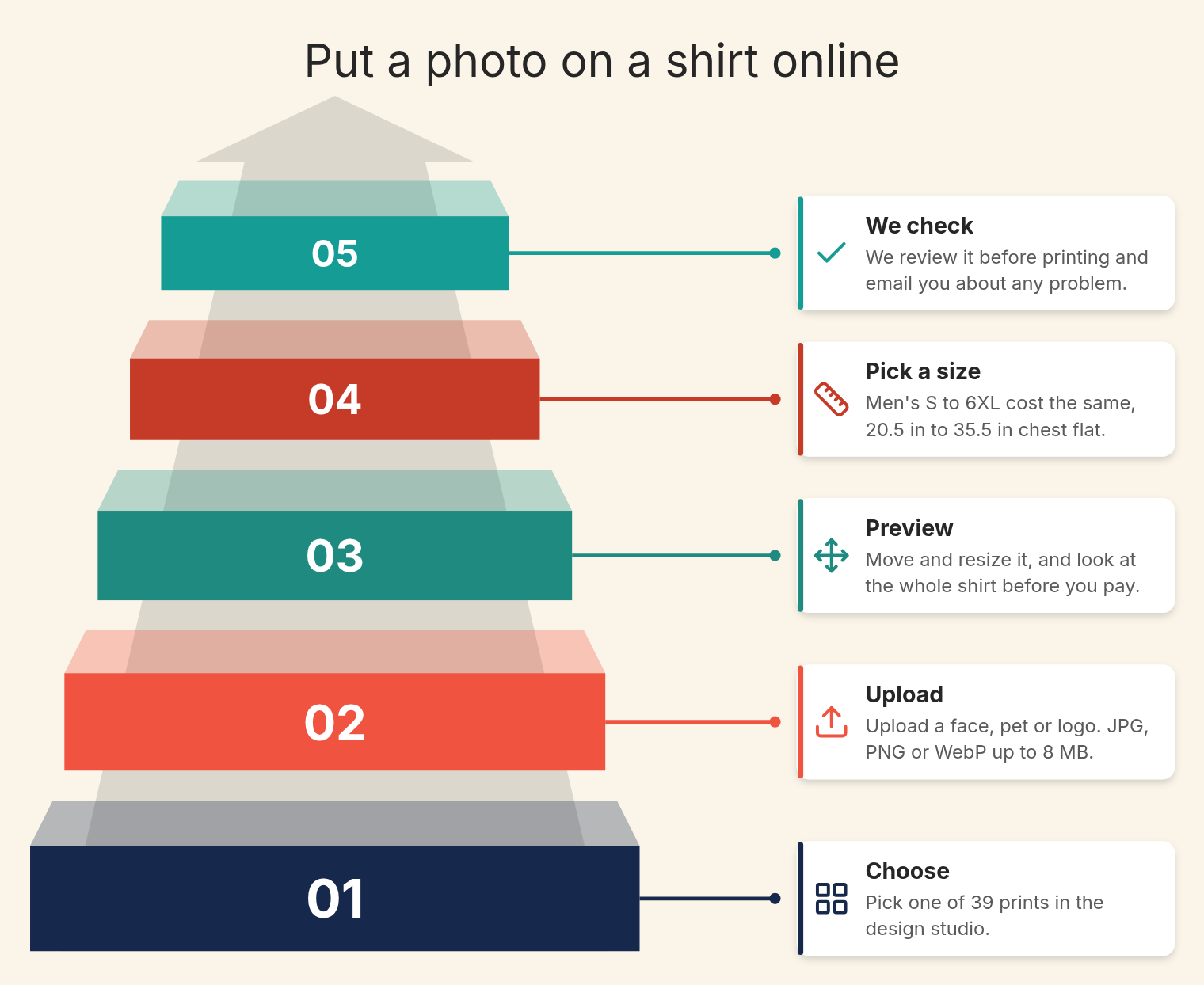
To put a photo on a shirt online, pick a design, upload the photo and check the preview before paying. With us, the background is removed automatically and for free, a JPG, PNG or WebP up to 8 MB works, and nothing is printed until you check out.
- Choose one of 39 prints in the design studio.
- Upload a face, a pet or a logo. A clear phone photo is enough.
- Move and resize it in the preview, and look at the whole shirt.
- Pick a size. Men’s S to 6XL cost the same, and chest flat runs from 20.5 in on S to 35.5 in on 6XL in the size guide.
- We check the photo before printing. If a photo will not print well, we email you first.
The price depends on how many shirts are in the cart, not on the design. Every shirt counts toward the tier, even when the designs differ.
| Shirts in cart | Price per shirt (USD) | Example total (USD) |
|---|---|---|
| 1 | $39.90 | $39.90 |
| 2 | $35.90 | $71.80 |
| 3 | $33.90 | $101.70 |
| 4 to 10 | $31.90 | $159.50 for 5 |
| 11 to 49 | $28.90 | $346.80 for 12 |
| 50 to 99 | $25.90 | $1,295.00 for 50 |
| 100 or more | Quote | Ask through group orders |
US shipping is free from $79. Below that, a flat rate is shown at checkout. To put several people on one shirt, see our guide to multiple faces on one shirt.
Worked example: Dad’s face for a March birthday
Say Dad’s birthday party is Saturday, March 27, 2027, and you have a 12-megapixel phone photo, about 4,000 by 3,000 pixels. The cropped face is about 1,000 pixels wide. At 300 ppi it prints sharp up to about 3.3 inches, and at 150 ppi up to about 6.7 inches, which is plenty for a face repeated in a pattern.
| Step | DIY transfer on a T-shirt | Printed Hawaiian shirt, ordered Monday, March 1 |
|---|---|---|
| Prep | Cut out the face by hand, mirror it | Upload; background removed free |
| Photo check and production | About an hour of ironing | 1 to 2 business days, then 3 to 5 |
| Arrives | Same day | 7 to 17 business days: Wednesday, March 10 to Wednesday, March 24 |
| Cost for one | Paper and ink you buy | $39.90 plus the flat shipping rate shown at checkout |
These are planning windows, not promises. Even the latest date leaves three days before the party. The shipping policy notes that November and December run longer. Groups of up to 40 shirts take about three weeks, and 41 to 200 shirts about four to five weeks.
How do you wash a shirt with a picture on it?
Wash a shirt with a picture on it inside out, in warm or cold water, with no bleach or brighteners. Take it out of the washer right away and tumble dry on low. Never iron directly on the image; cover it with parchment or a silicone sheet [1].
Those rules matter most for transfers. Inkjet ink is water-soluble, so a transfer left wet or hung to dry can bleed. A sublimated print has no separate layer to protect, though washing it inside out and following the care label are still good habits.
If a printed shirt arrives with a fault, such as colors off, a face misplaced or a damaged seam, we reprint or refund. Send a photo within 14 days of delivery, as our reprint policy explains.
Conclusion
For a one-day shirt, iron-on paper or the plastic wrap trick is fine. Mirror the image, match the paper to the shirt color and press hard on a firm surface. A shirt that has to last, or one where the face repeats all over a Hawaiian print, needs the fabric printed before it is sewn.
We make personalized Hawaiian shirts from one photo, with a free background cutout and a full preview before you pay. Upload your picture and see it on a shirt now.
FAQs
Can I put a picture on a shirt with a regular printer?
Yes, with inkjet transfer paper made for your type of printer. Printers with heating elements that dry the ink should not be used with inkjet transfer paper.
Why did the white parts of my picture disappear?
Light-fabric transfer paper is see-through, and most home printers have no white ink. White areas show the shirt color, so dark shirts need opaque transfer paper.
How long does an iron-on picture last on a shirt?
An inkjet transfer can fade over repeated washing because the ink is water-soluble. A dye-sublimated print on polyester does not crack, fade or peel under normal conditions.
Can I use a photo a professional photographer took?
Ask the photographer first. Under U.S. law, the person who takes a photo owns its copyright, and copying it is the owner’s right.
How much does it cost to have a picture printed on a Hawaiian shirt?
One shirt is $39.90, and 4 to 10 shirts are $31.90 each. Sizes S to 6XL cost the same, and US shipping is free from $79.
Sources
- Inkjet Transfer Paper Instructions, Dharma Trading Co.
- Poster Printing Guidelines, SUNY Broome Community College Library
- Dye-sublimation printing, Wikipedia
- What is Copyright?, U.S. Copyright Office
- White won’t transfer, what am I doing wrong?, r/cricut on Reddit