Blog
T-Shirt Order Form: Free Template for Group Sizes, Photos and Payment
T-shirt order form template for group orders: the fields to copy, Google Forms setup, a size check and order-by dates. 11 to 49 shirts cost $28.90 each.
By Personalized Hawaiian Shirts · · 11 min read
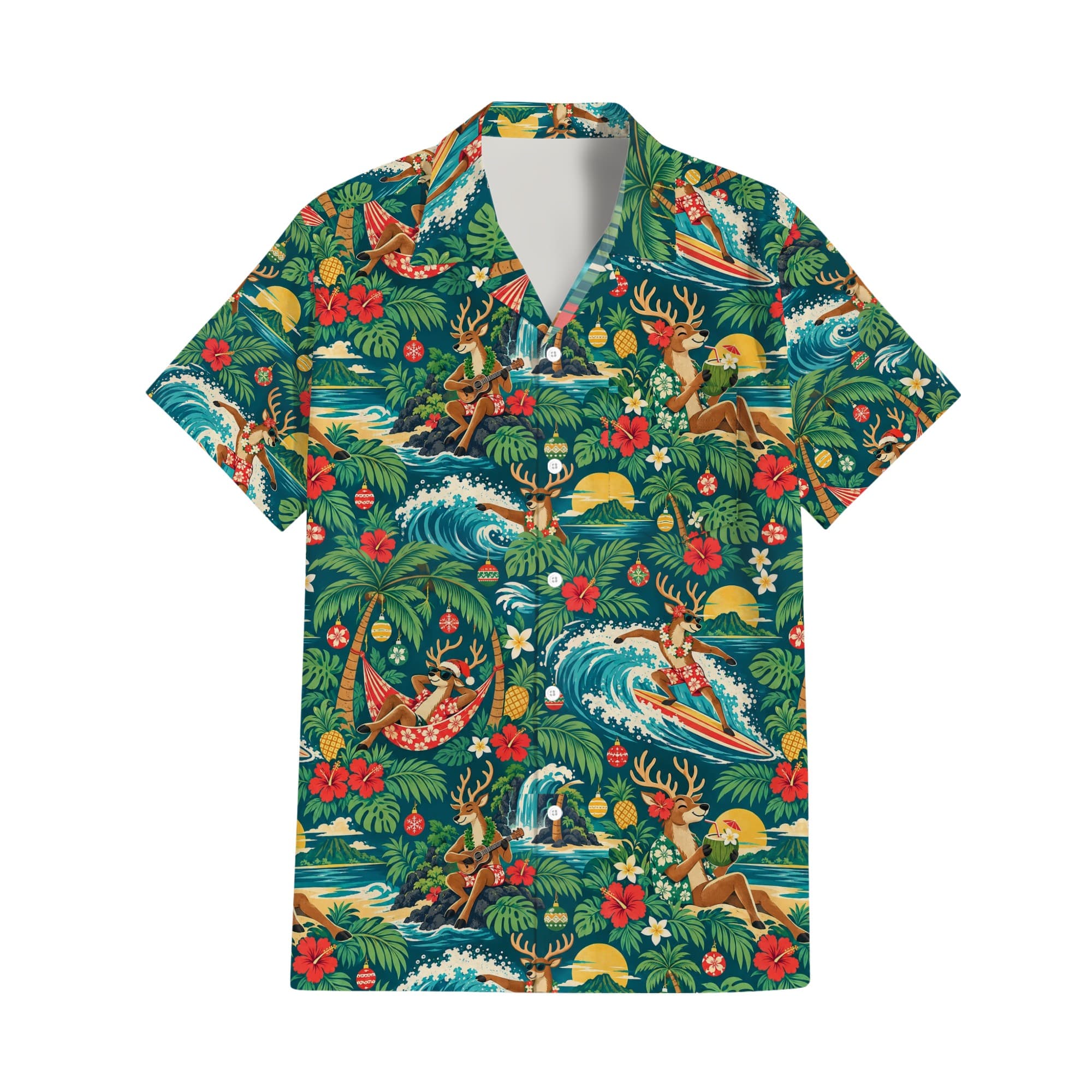
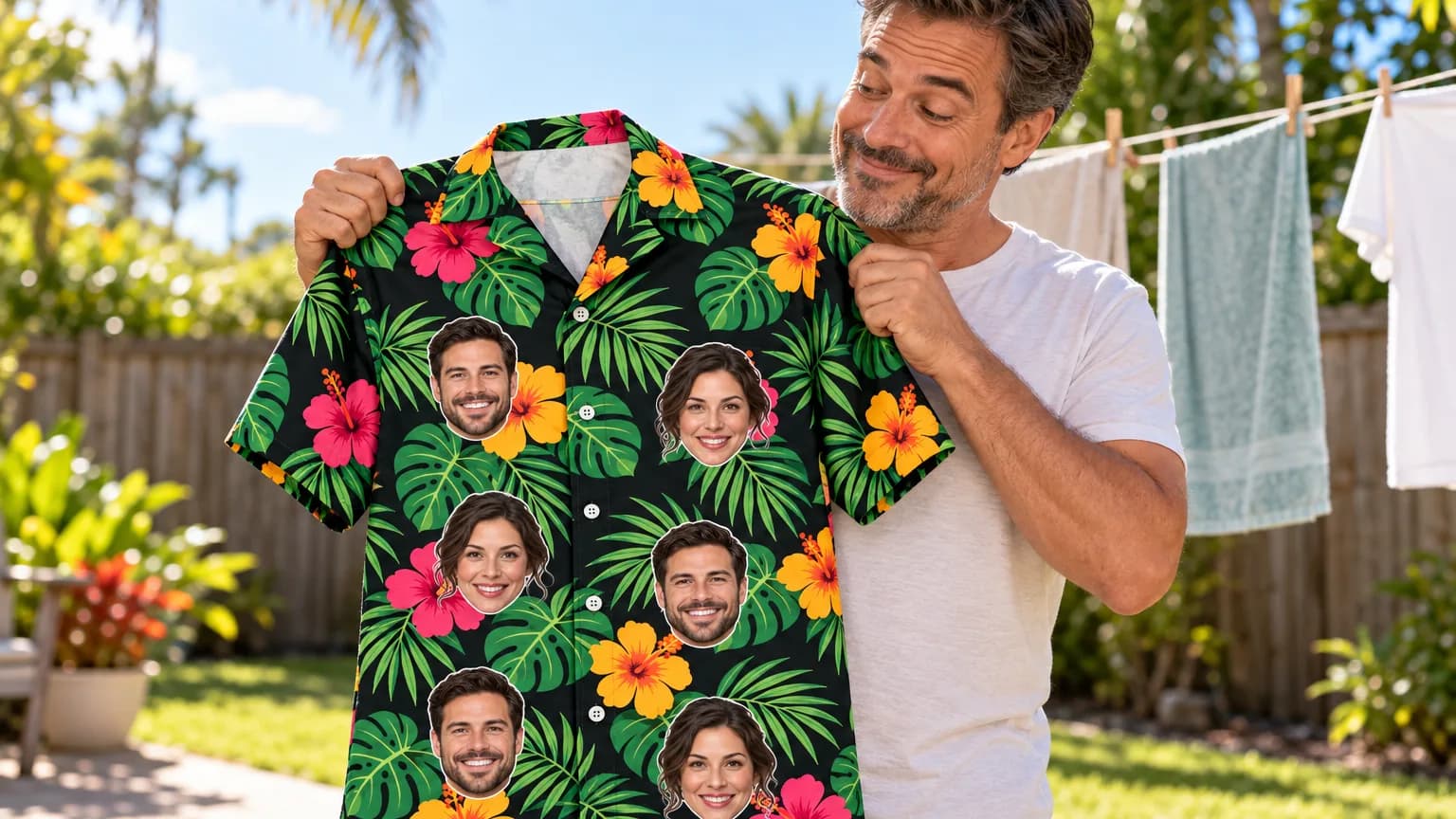
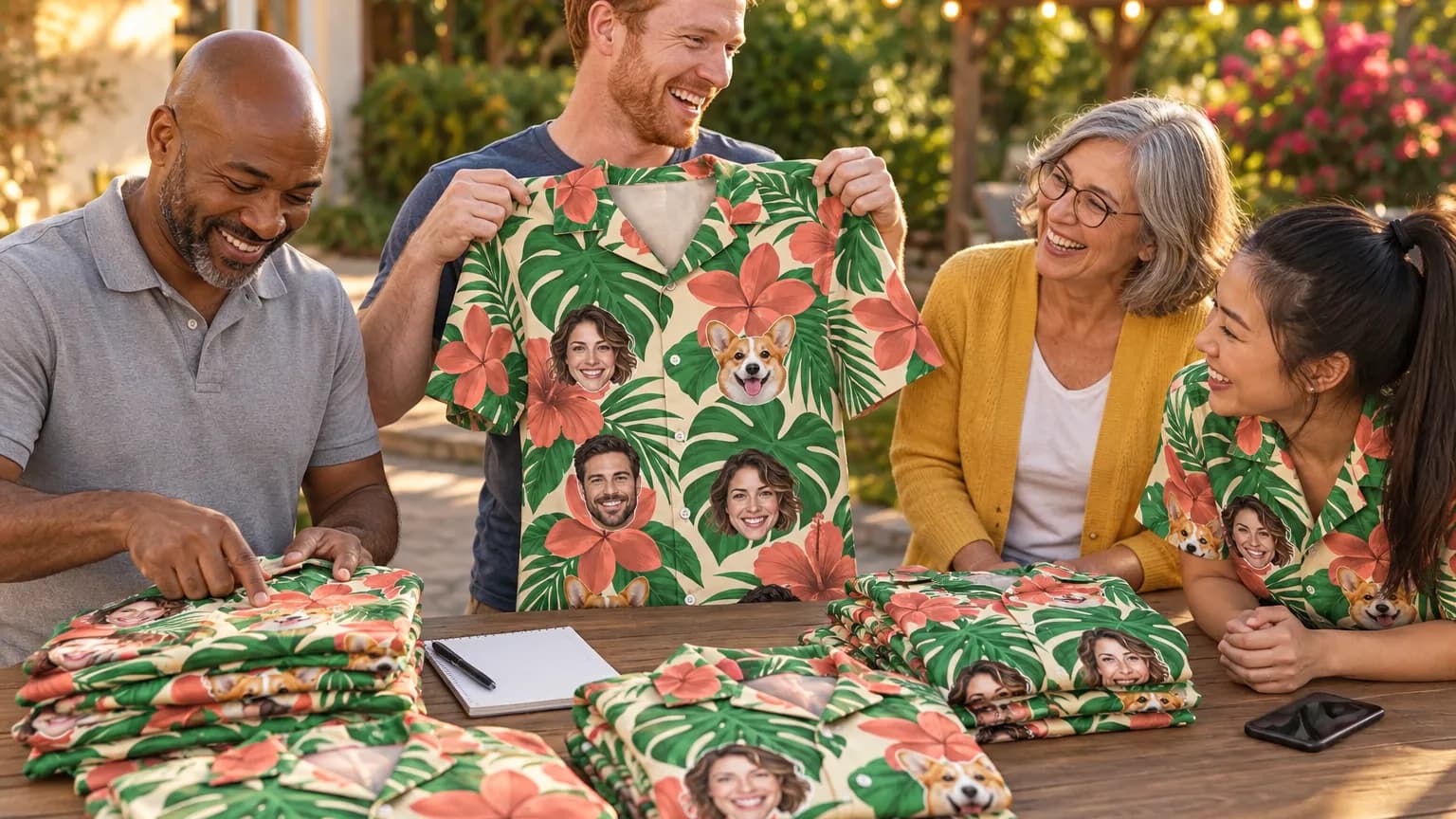
A t-shirt order form is one list that collects each person’s name, size, quantity and payment before you order shirts for a group. For custom photo or logo shirts, add the photo, the pocket choice and a close date. The template below has 9 fields, and a group of 11 to 49 pays $28.90 per shirt with us.
Here’s the short version:
- Fields: name, email, size and quantity, pocket, photo, ship-to, home address, paid and notes.
- Format: an online form linked to a spreadsheet works for most groups, because 91% of US adults own a smartphone [3].
- Sizes: our men’s sizes run S to 6XL at one price, so the form can offer all nine without a price column.
- Photo: JPG, PNG or WebP up to 8 MB for the live preview. A logo prints best as a vector file.
- Price: $39.90 for one shirt, $31.90 each for 4 to 10, $28.90 for 11 to 49 and $25.90 for 50 to 99.
- Timing: allow three weeks door to door for up to 40 shirts and four to five weeks for 41 to 200, longer in November and December.
| Format | Best for | Main weak spot |
|---|---|---|
| Printed sheet | Reunions with older relatives, a sign-up table at an event | Someone has to type it up, and handwriting turns L into 1 |
| Shared spreadsheet | Small teams who all edit one file | Anyone can overwrite another person’s row |
| Online form linked to a sheet | Groups of 10 to 200 spread across cities | Photo uploads need each person to sign in |
What should a t-shirt order form include?
A t-shirt order form needs one row per shirt with a name, size, quantity, contact email and whether the person has paid. For printed photo or logo shirts, add a photo field, a pocket choice and a notes box. Keep it to the fields you will use, because every extra question costs answers.
Usability researchers at Nielsen Norman Group found that forms which follow basic guidelines were submitted without errors on the first try 78% of the time, against 42% for forms that broke them [4]. In their words: “Every time you cut a field or question from a form, you increase its conversion rate” [4].
Here is the template. Copy the field names into the first row of a spreadsheet, or rebuild it as an online form with the question types shown.
| Field | Question type | Options or rule | Required? |
|---|---|---|---|
| Full name | Short answer | As it should appear on the box label | Yes |
| Short answer | Email format check | Yes | |
| Size and quantity | Multiple choice grid | Rows S to 6XL, columns 0, 1, 2, 3 | Yes |
| Chest pocket | Multiple choice | Yes or No | Yes |
| Photo | File upload, or “I will email it” | Clear face, eyes visible, sharp at full size | Only when each person wears their own face |
| Ship to | Multiple choice | Office, or my home address | Yes |
| Home address | Paragraph | Shown only if “my home address” is picked | Optional |
| Paid | Organizer’s column | Filled in by you, not the group | No |
| Notes | Paragraph | Arriving late, gift for someone else | Optional |
Paper, spreadsheet or online form: which works best for a group?
An online form that feeds a spreadsheet works best for most groups, because people answer on their phones and you get one clean list. Use paper only where people meet in person, and a shared sheet only for small teams who trust each other with edits.
Pew Research Center’s 2026 survey of 5,511 US adults puts smartphone ownership at 91%, and at 79% among adults 65 and older [3]. At a family reunion, some grandparents will not fill in a link. Ask one relative per household to answer for them, or bring a printed copy of the same fields.
A plain spreadsheet can still behave like a form. In Google Sheets, a dropdown made with data validation rejects any entry that is not on the list unless you switch the rule to show a warning [2]. Put S to 6XL in the size column’s dropdown and nobody can type “XXL-ish”.
How do you set up a t-shirt order form in Google Forms?
Create a new form, add one question per field from the template, mark the required ones, then link the responses to a spreadsheet and set a close date. The build takes one sitting, and the sheet fills itself as answers come in.
- Add the questions. Pick the type next to each title: short answer, multiple choice, dropdown, file upload or a grid [1].
- Use a grid for size and quantity. A multiple choice grid allows one answer per row [6]. Make the rows S to 6XL and the columns 0 to 3, and one person can order an L for himself and an XL for his brother. This answers the most common question under form tutorials: how one person orders two sizes.
- Add checks. Response validation can require an email format or a 10-digit phone number, with your own error text [6].
- Branch the address question. “Go to section based on answer” works on multiple choice and dropdown questions [5], so only people shipping to home see the address box.
- Link the sheet. Under Responses, “Link to Sheets” puts every answer in a spreadsheet, and you can download a CSV too [7].
- Set a close date. The form can stop on a date or after a set number of responses, with your own closing message [7].
- Allow edits. Turn on response editing so people can fix a wrong size themselves [8].
How do you get sizes right when people pick their own?
Ask everyone to measure a shirt they already wear, laid flat, across the chest and from shoulder to hem, then match both numbers to the chart. Put the chart right in the form’s size question so nobody has to leave the page.
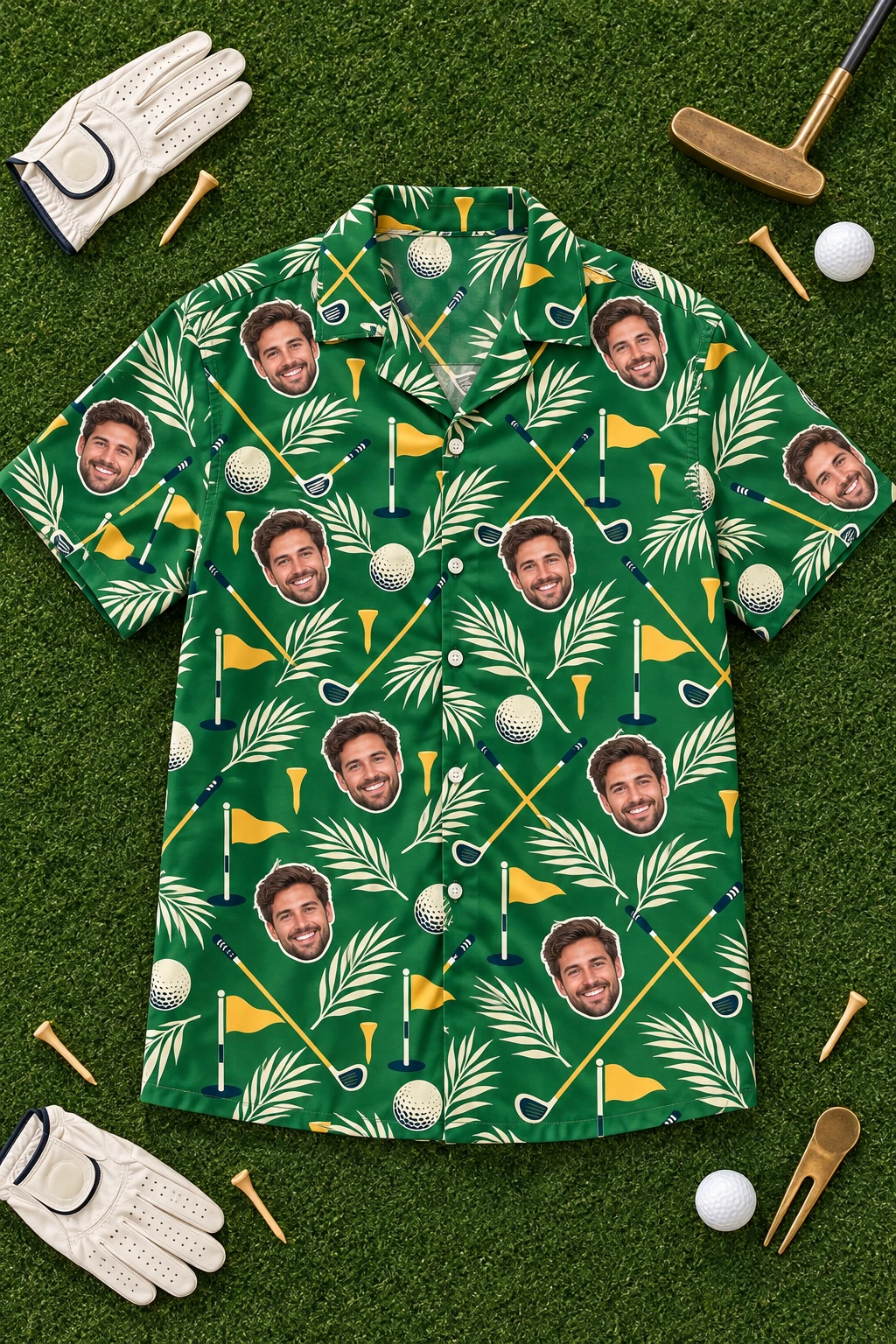
These are our men’s measurements from the size guide, in inches, with the chest measured flat from armpit to armpit.
| Size | Chest, flat (in) | Length (in) |
|---|---|---|
| S | 20.5 | 29 |
| M | 22.5 | 30 |
| L | 24.5 | 31 |
| XL | 26.5 | 32 |
| 2XL | 28.5 | 33 |
| 3XL | 30.5 | 35 |
| 4XL | 32.5 | 36 |
| 5XL | 34 | 36 |
| 6XL | 35.5 | 37 |
Shirts are measured by hand, so each one can vary by about 1 inch. The flat chest number is half the way around, which is why someone who measures his body and types 48 lands far off the chart. Put “measure the shirt, not yourself” in the question description. Our sizes are men’s only, so women in the group pick by the same flat measurement.
How do you collect photos and logos with the form?
Collect photos only when each person gets their own face on the shirt. For one shared face or a company logo, the organizer uploads a single file in the preview and the form needs no photo field at all.

A file upload question has two catches. Everyone answering it must sign in to a Google account, and the files land in a new folder in the owner’s Google Drive [1]. A form with a file upload question also cannot be embedded in an email [8]. If your group will balk at signing in, offer “I will email my photo” as an answer.
Write the photo rules into the question so you get usable files the first time. Our photo guide boils it down to four checks:
- The face is clear, in window light or open shade.
- Both eyes are visible, no sunglasses.
- The face fills the frame. Crop group photos to one person.
- The image is sharp at full size, not just on a phone screen.
The live preview takes JPG, PNG and WebP up to 8 MB and removes the background for free. For a company logo, a vector file (SVG, PDF, AI or EPS) prints best, and the next choice is a transparent PNG at least 1,500 px on the long side.
How do you collect money for a group shirt order?
Keep payment out of the form itself and never ask for card numbers in it. Either one person pays at checkout and collects from the group, or the group splits the payment at checkout so each person pays their own share by card.
With us, the split option works for 2 to 50 people, each share is at least $10, and printing starts once every share is paid. Our guide on how to split the cost of group shirts walks through it. If you collect the money yourself, keep the “Paid” column for your eyes only.
| People who answer | Shirts to order | Price per shirt | Total |
|---|---|---|---|
| 10 | 10 | $31.90 | $319.00 |
| 10 | 11 (one spare) | $28.90 | $317.90 |
| 45 | 45 | $28.90 | $1,300.50 |
| 45 | 50 (five spares) | $25.90 | $1,295.00 |
Check the count against the price tiers before you order. Eleven shirts cost less than ten, and fifty cost less than forty-five, so a few spares can lower the total. Every shirt in the cart counts toward the tier, across designs, sizes and pockets. Shipping inside the US is free from $79, which any order of three or more shirts passes.
When should you close the form? A worked example
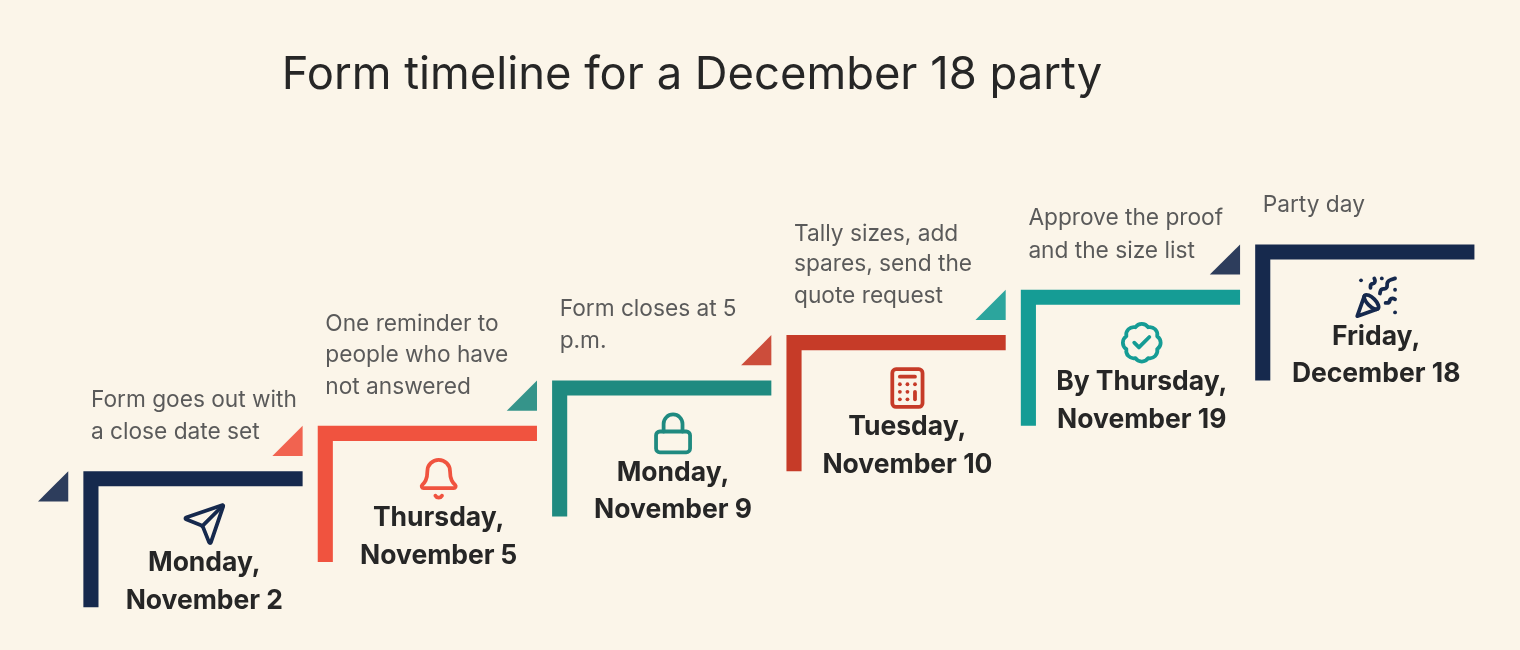
Close the form at least one week before the date your shirt supplier needs final sizes. For us, a group of up to 40 for Christmas approves the proof and size list by Thursday, November 19, 2026, with the quote request sent a few days before.
Here is how a 32-person company holiday party on Friday, December 18, 2026 would run, with logo shirts and the form going out on Monday, November 2.
| Date | Step |
|---|---|
| Monday, November 2 | Form goes out with a close date set |
| Thursday, November 5 | One reminder to people who have not answered |
| Monday, November 9 | Form closes at 5 p.m. |
| Tuesday, November 10 | Tally sizes, add spares, send the quote request |
| By Thursday, November 19 | Approve the proof and the size list |
| Friday, December 18 | Party day |
Say the sheet shows 1 S, 4 M, 8 L, 8 XL, 6 2XL, 3 3XL, 1 4XL and 1 5XL. That is 32 shirts. The organizer adds one spare L and one spare XL for late joiners, so 34 shirts at $28.90 come to $982.60, with free US shipping. Without the spares, 32 shirts would be $924.80.
Bigger groups need more lead time. For 41 to 200 shirts, the Christmas date to approve the proof and sizes is Thursday, November 5. A group that size starting now should skip the week-long form, collect sizes by message and put its date in the quote form so it can be checked. Single shirts and gifts can be ordered until Tuesday, November 24. Our Christmas order dates leave a margin and are not delivery promises.
What happens after the form closes?
Sort the sheet by size, count each size, and send the totals with your event date to the shirt shop. A group order gets a digital proof for one person to approve, so pick that person before the form even opens.
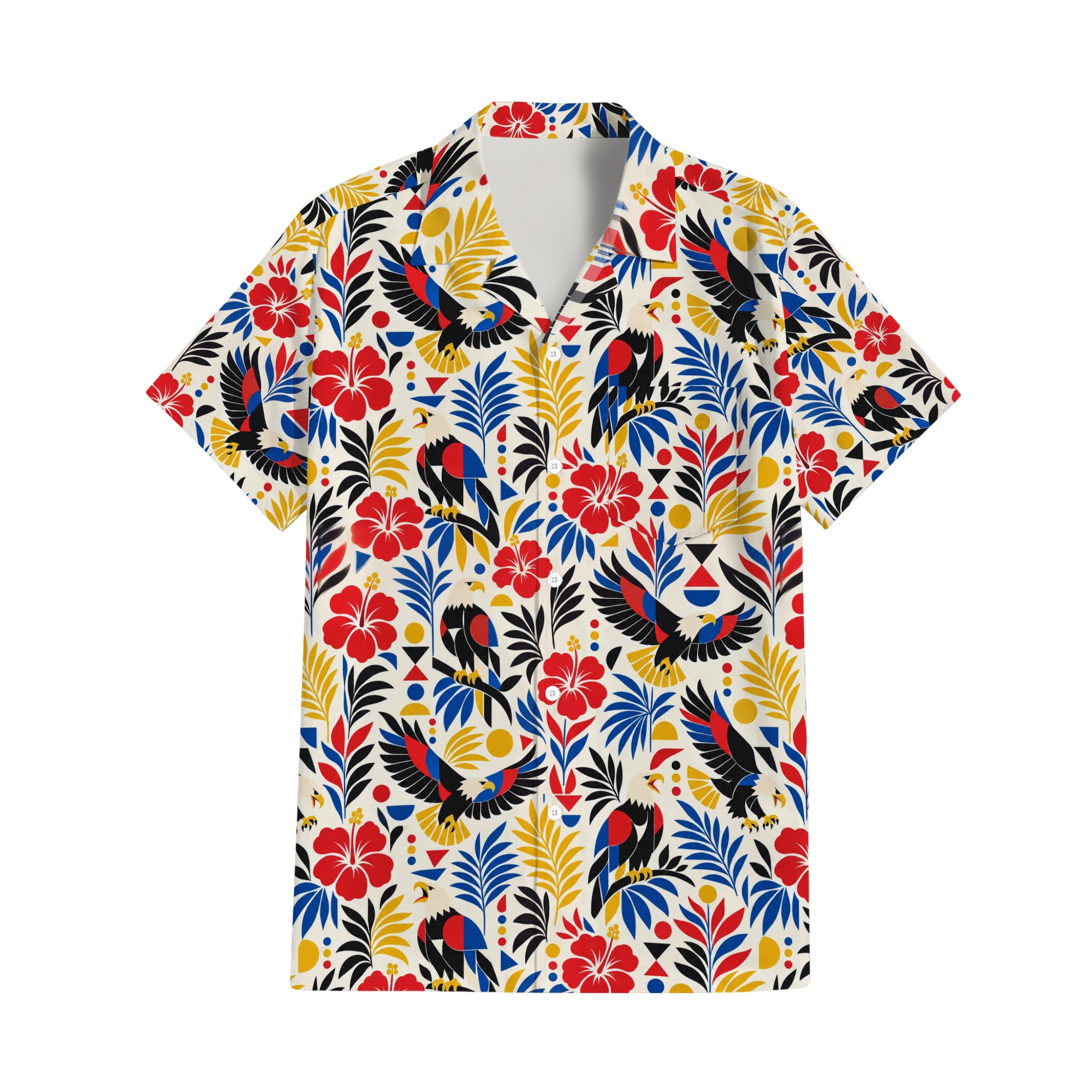
Our group order quote form asks for the headcount, the arrival date and how you want to personalize: a logo, one face on every shirt or each person’s own face. It replies within one business day with a price and a production date. Bulk orders can ship to several addresses, which is where the “Ship to” field pays off.
Late joiners are normal. Send their size later and it prints on the same set-up; just give their needed date so the extra shirt can be planned.
Conclusion
A good t-shirt order form is short: nine fields, one row per shirt, a grid for sizes and a close date you actually enforce. Put the size chart inside the form, and collect photos only when each person needs their own face.
Decide on the print before you send the link, so the form can show it. Pick one of our custom Hawaiian shirts, upload your logo or a face in the live preview, and paste the result into the form’s description.
FAQs
What is the best free t-shirt order form template?
One with only the fields you will use: name, email, size and quantity, pocket, photo, ship-to, home address, paid and notes.
How do I let one person order more than one size?
Use a multiple choice grid with sizes S to 6XL as rows and 0 to 3 as columns. Each row takes one answer, so one person can order an L and an XL in a single response.
Do people need a Google account to fill out the form?
Only for some features. A file upload question and the “limit to 1 response” setting both require respondents to sign in to a Google account.
How long should a group order form stay open?
About one week, with one reminder halfway. For a Christmas group of up to 40 with us, close it early enough to approve the proof and sizes by Thursday, November 19, 2026.
What if someone misses the form deadline?
Send their size later and it is printed on the same set-up. A few spare shirts in common sizes cover late joiners, and at 10 or 45 people the spares even lower the total.
Sources
- Choose a type of question for your form, Google Docs Editors Help
- Create an in-cell dropdown list, Google Docs Editors Help
- Americans’ Use of Mobile Devices in 2026, Pew Research Center
- Website Forms Usability: Top 10 Recommendations, Nielsen Norman Group
- Show questions based on answers, Google Docs Editors Help
- How to set rules for your form, Google Docs Editors Help
- View and manage form responses, Google Docs Editors Help
- Publish and share your form with responders, Google Docs Editors Help